
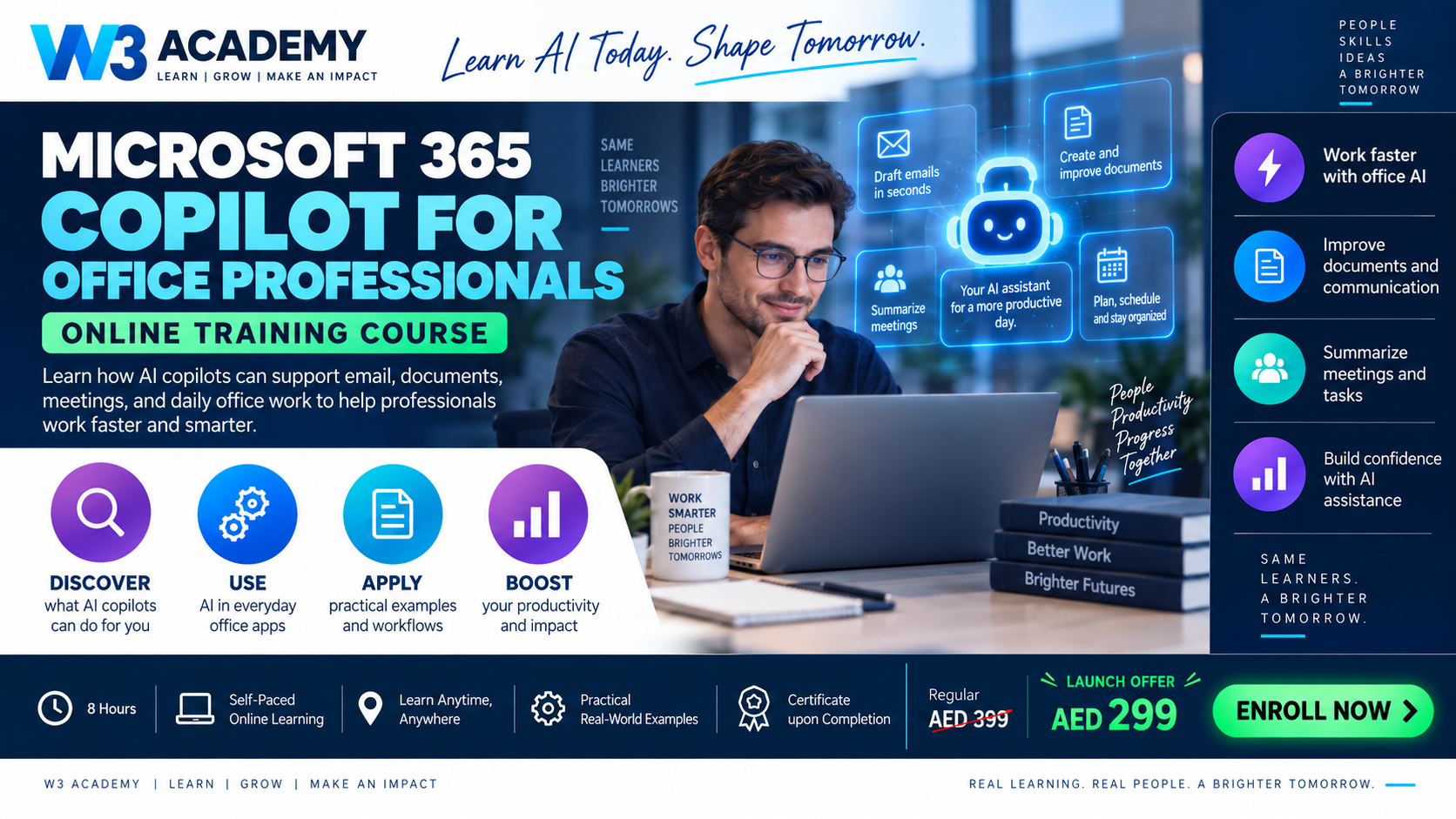
About Course
Apply Microsoft 365 Copilot to everyday work in Word, Outlook, Teams, Excel and PowerPoint. Twelve lessons combine access checks, source-based prompting, document drafting, meeting actions, spreadsheet review and presentation planning. Guided exercises include fictional source material and worked answers. Feature availability is explained without assuming every account has the same licence or rollout. Final multiple-choice quiz only.
Course Content
Access, context and safe prompting
-
01. Check your account, licence and available experience
-
02. Understand work context and permissions
-
03. Prompt Copilot with a goal and a named source
Documents and communication
Meetings and spreadsheets
Presentations and integrated work
Assessment
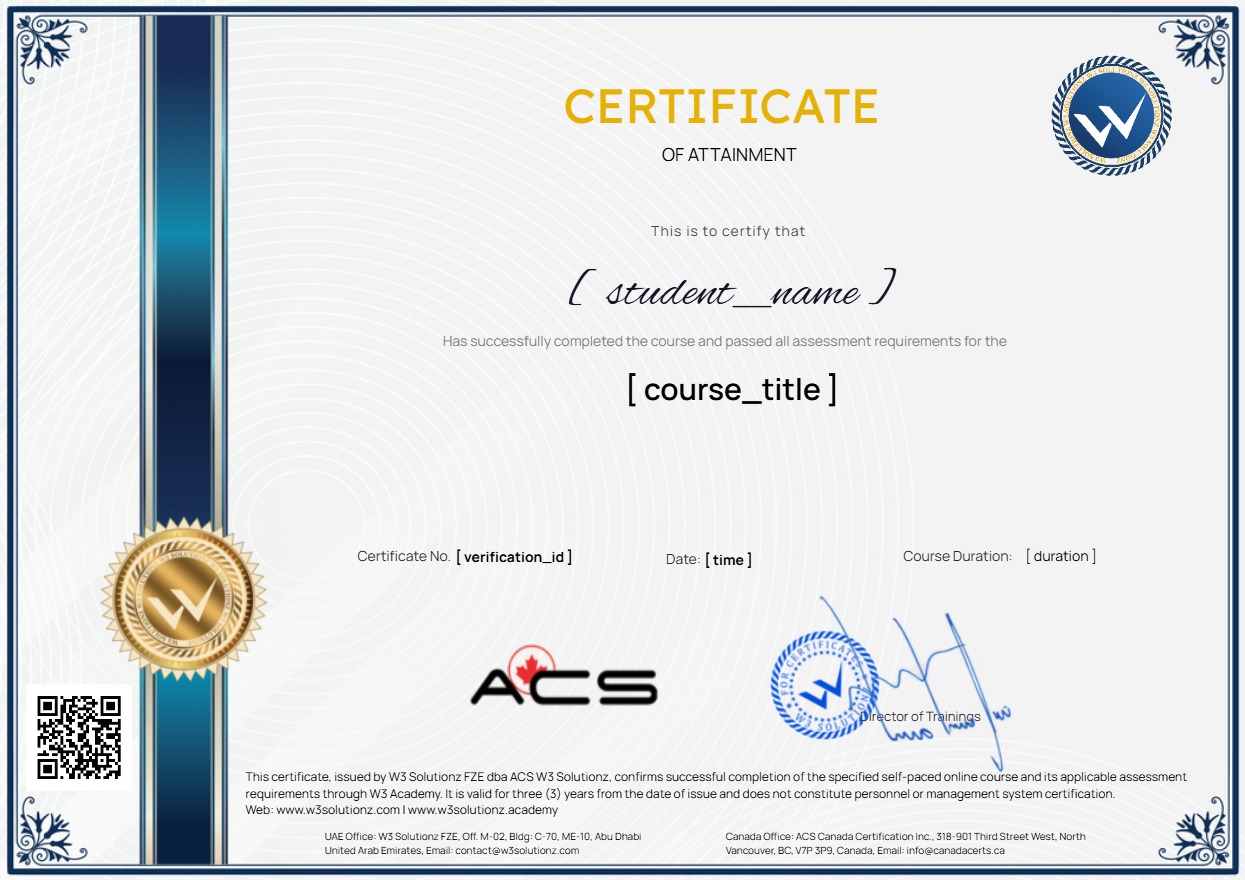
Earn a certificate
Add this certificate to your resume to demonstrate your skills & increase your chances of getting noticed.
Student Ratings & Reviews

No Review Yet