
Skip to content
W3 SolutionzACADEMY

Office Ergonomics and Display Screen Safety

Wishlist Share

Share this course

Help a colleague take their next step.

About Course

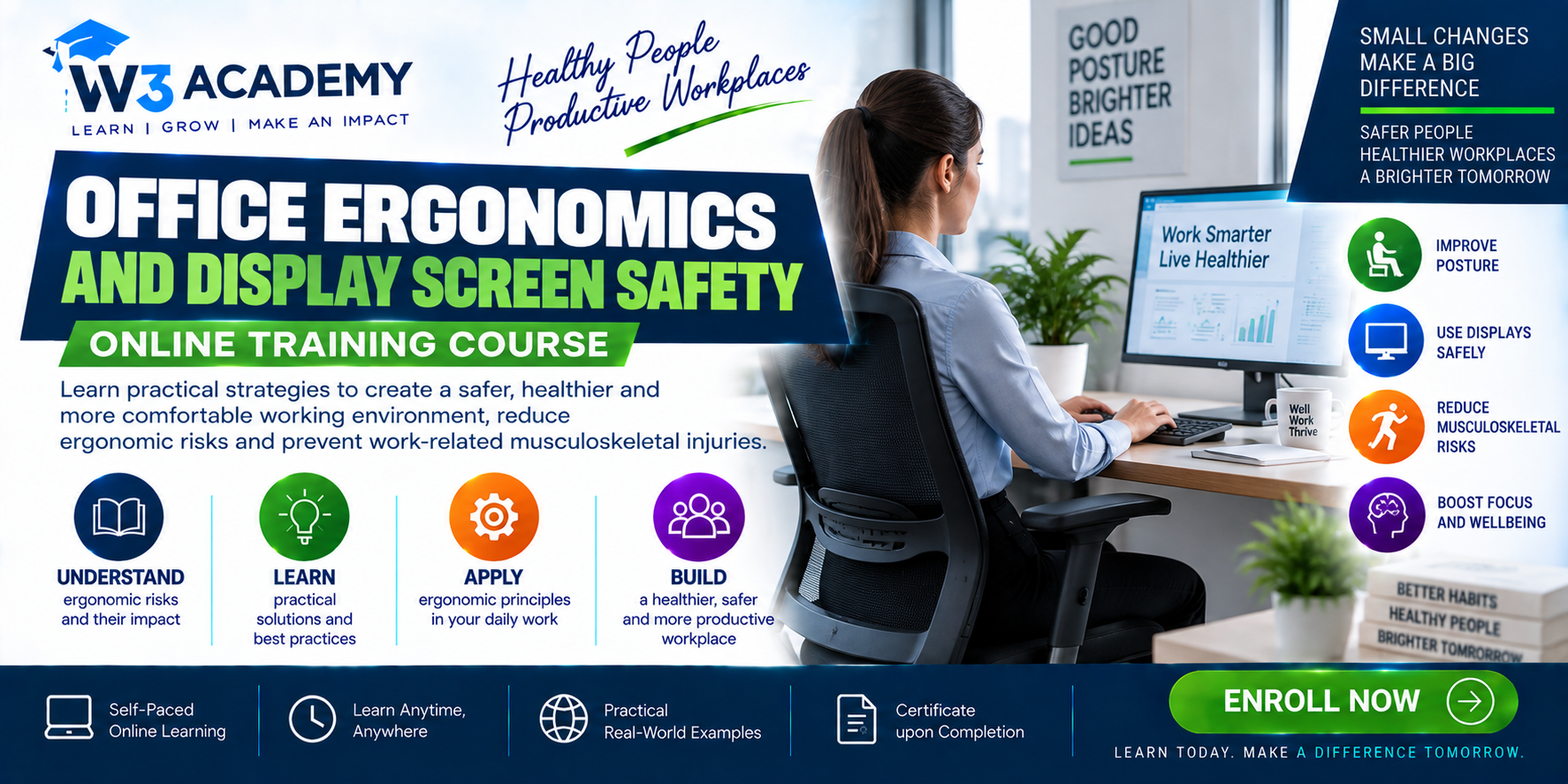
A free, four-hour awareness course on office ergonomics and display screen safety. Learn to adjust chairs, desks, screens and input devices, improve visual comfort, plan activity changes, review laptops and hybrid work, report concerns and support workstation improvements. Includes 12 modules, 24 text lessons with practical activities, 30 quiz questions and an assessed fictional office case.

What Will You Learn?

  • LO01: Explain ergonomic risk factors associated with office and display-screen work.
  • LO02: Distinguish worker and employer responsibilities and identify when assessment is needed.
  • LO03: Choose suitable chair, desk and support adjustments for a user and task.
  • LO04: Arrange screens and visual settings to support comfortable viewing.
  • LO05: Improve keyboard, pointing-device, document and telephone arrangements.
  • LO06: Plan realistic changes of activity, movement and recovery during screen work.
  • LO07: Identify glare, environmental and basic office-safety issues and suitable actions.
  • LO08: Adapt workstation arrangements for laptops, home working and shared desks.
  • LO09: Recognise concerns that require early reporting and individual support without diagnosing.
  • LO10: Complete a basic workstation review and prioritised action record.
  • LO11: Explain how procurement, supervision and follow-up sustain ergonomic improvements.
  • LO12: Evaluate the fictional case and prepare a justified workstation improvement plan.

Course Content

Ergonomics and screen-work risks
Recognise how the person, task, equipment and environment interact.

  • 01 | What office ergonomics means
  • 02 | Recognising exposure and early concerns

Responsibilities and workstation assessment
Understand reporting, assessment and the jurisdiction of guidance.

Chairs, desks and supported working
Adjust seating, support and reach for the individual user.

Screens and visual comfort
Position displays and improve readability without awkward postures.

Keyboard, mouse and communication tools
Reduce unnecessary reach, force and contact pressure.

Work routine and movement
Plan variation, recovery and manageable screen-work demands.

Lighting and the office environment
Control glare and maintain a suitable, safe working area.

Laptops, tablets and hybrid work
Apply ergonomic principles across mobile, home and shared workstations.

Individual needs and early reporting
Respond constructively to symptoms and support individual adjustments.

Workstation assessment in practice
Record observations, select controls and verify that they work.

Management, procurement and review
Build ergonomic considerations into purchasing, supervision and change.

Case study and personal action plan
Apply the course through a fictional office review and measurable actions.

Assessment

Earn a certificate

Add this certificate to your resume to demonstrate your skills & increase your chances of getting noticed.
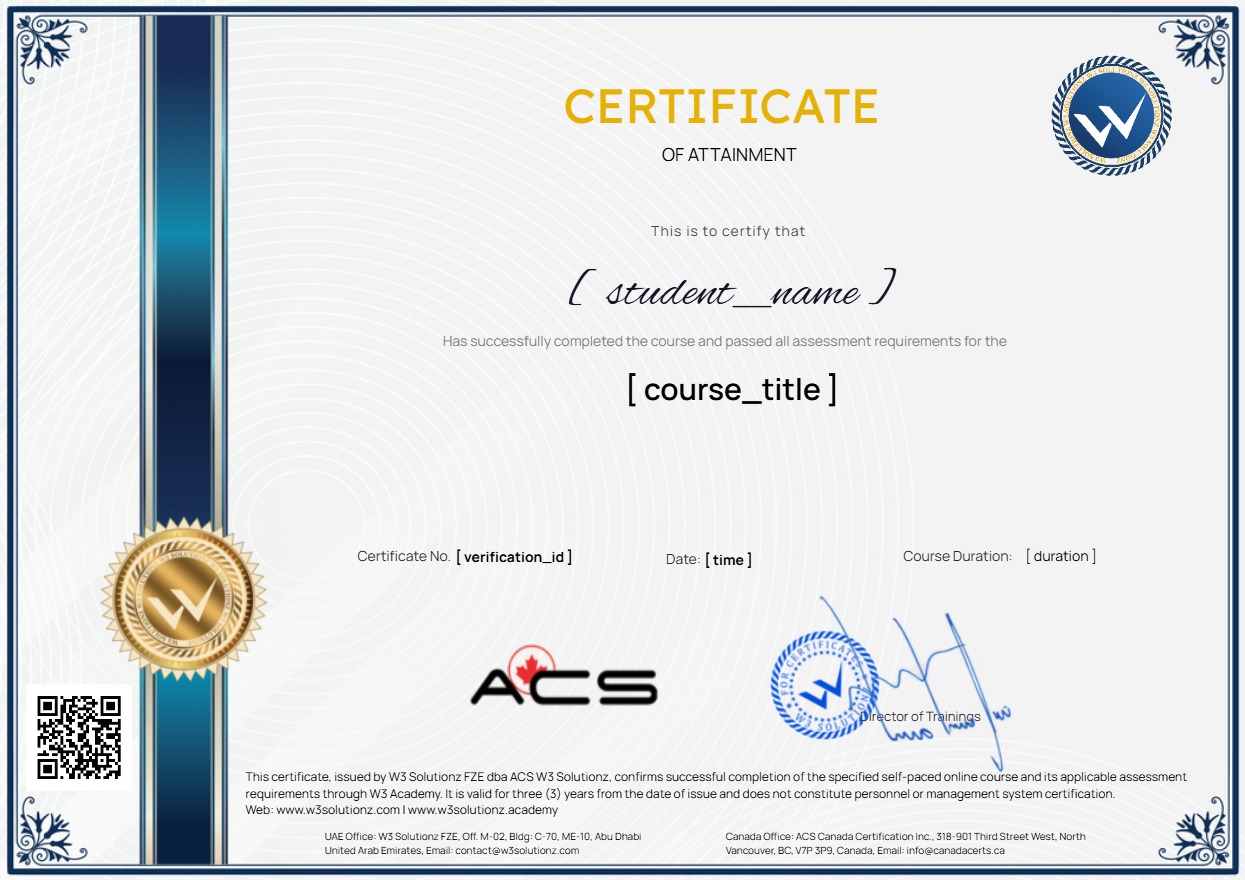
selected template

Student Ratings & Reviews

No Review Yet
No Review Yet

Want to receive push notifications for all major on-site activities?

✕